Extract text from images, instantly.
Extract text from images, instantly.
No more retyping. Copy or insert text from any image directly in Figma.
No more retyping.
Copy or insert text from any image directly in Figma.
Get Started for Free
Still typing text from images?
Still typing text from images?
Manually retyping text from screenshots and mockups wastes time, breaks focus, and leads to errors.
Manually retyping text from screenshots and mockups wastes time, breaks focus, and leads to errors.
One-click extraction
One-click extraction
Copy or insert
Copy or insert
Multi-language
Multi-language
Clean results
Clean results
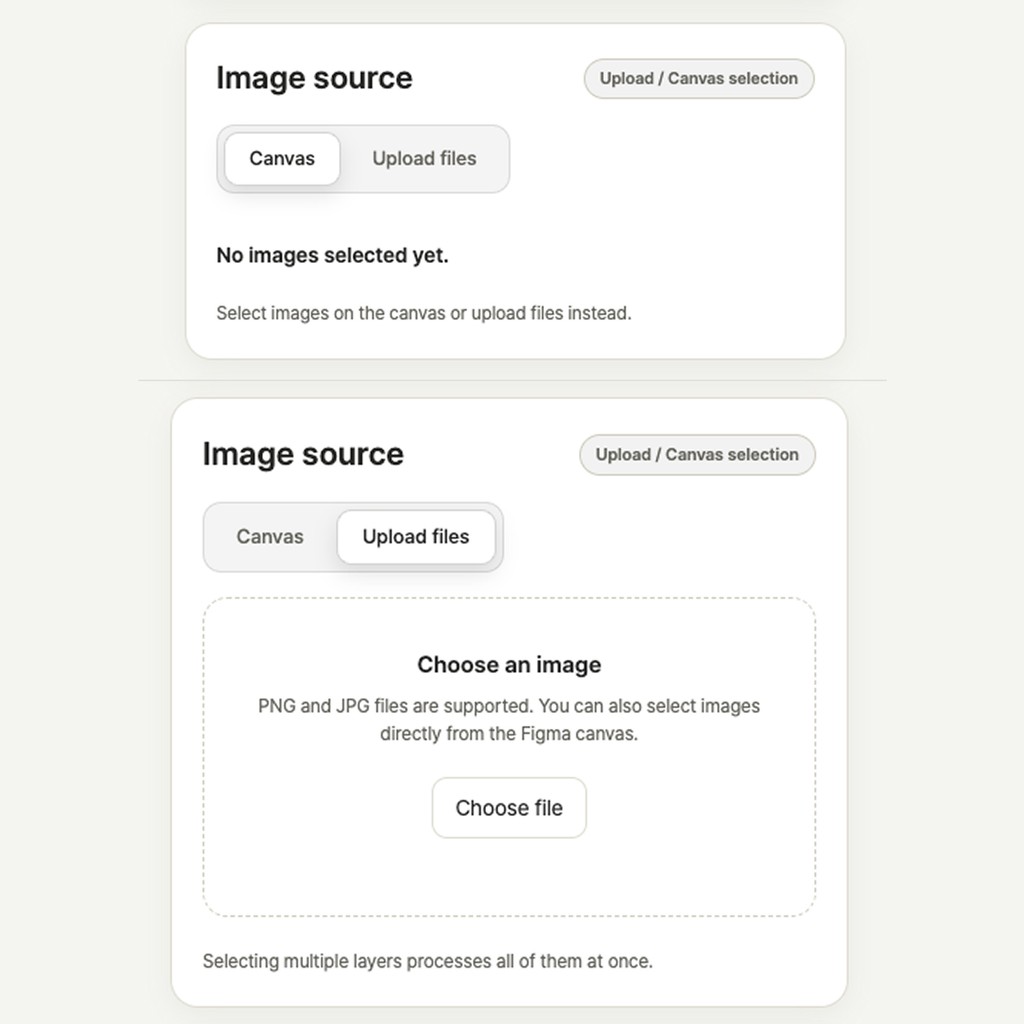
Step 1. Select or upload
Step 1. Select or upload
Step 1. Select or upload
Choose any image or frame inside Figma. Upload a new image if needed.
Choose any image or frame inside Figma. Upload a new image if needed.
Choose any image or frame inside Figma. Upload a new image if needed.
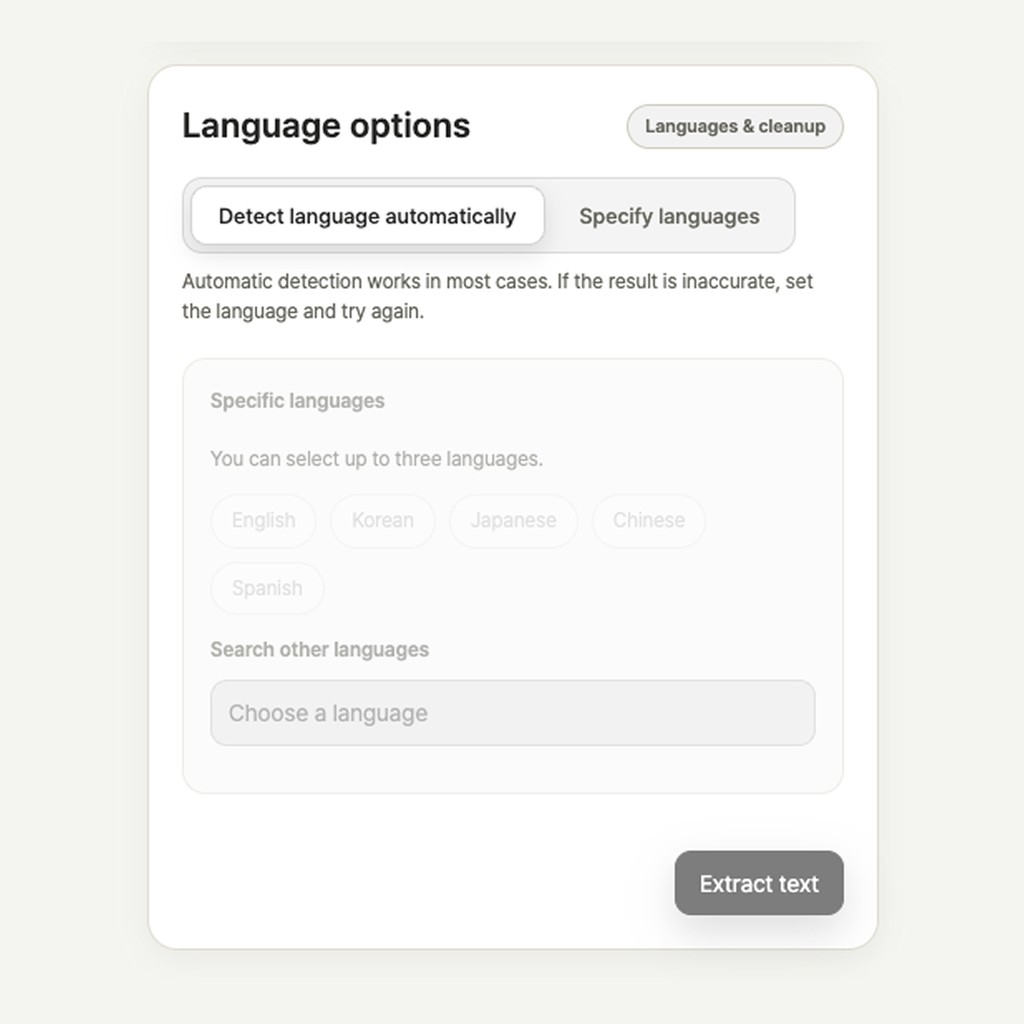
Step 2. Confirm
Step 2. Confirm
Step 2. Confirm
Click Confirm to extract the text accurately and quickly.
Click Confirm to extract the text accurately and quickly.
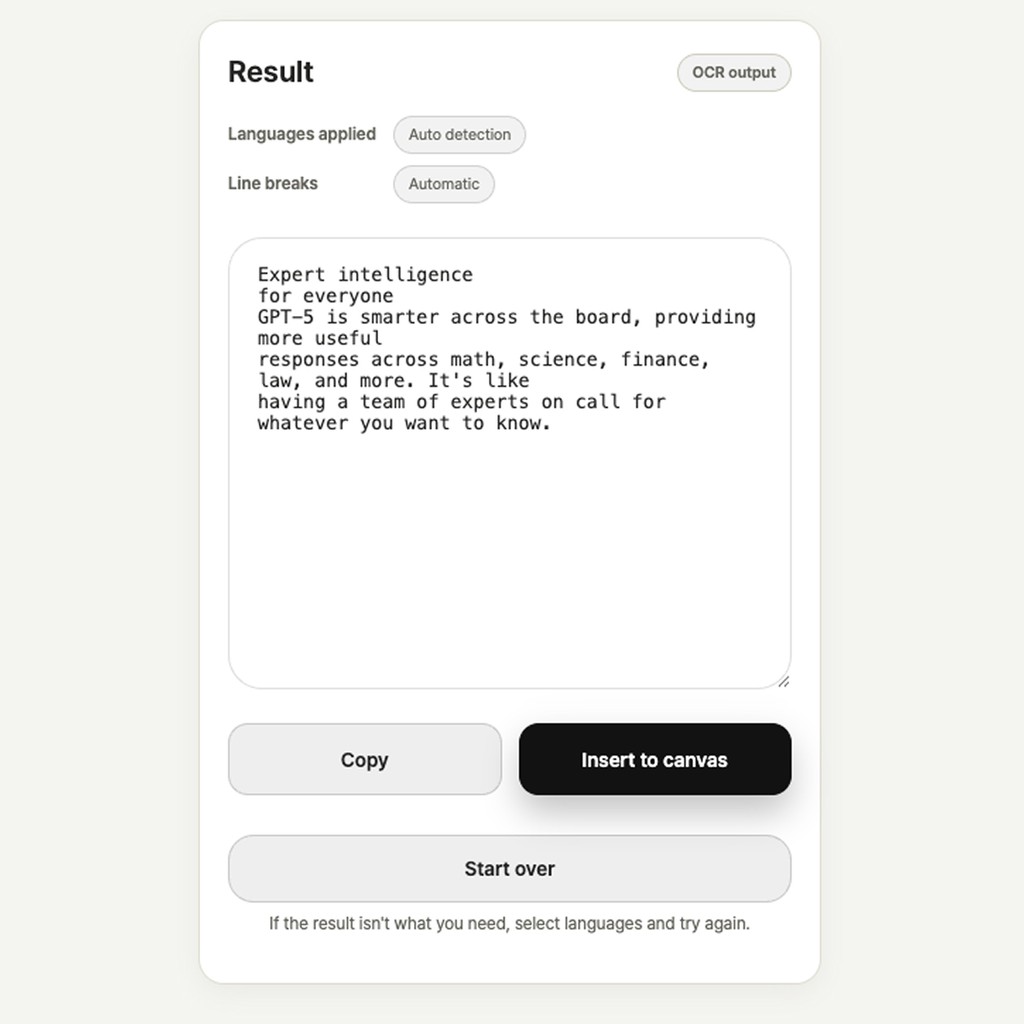
Step 3. Copy/Insert
Step 3. Copy/Insert
Step 3. Copy/Insert
Copy the results or place the clean text directly on your design canvas.
Copy the results or place the clean text directly on your design canvas.
Copy the results or place the clean text directly on your design canvas.
Designed for global teams.
Designed for global teams.
Textify automatically detects and extracts text from English, Korean, Japanese, Spanish, Chinese, and more.
Textify automatically detects and extracts text from English, Korean, Japanese, Spanish, Chinese, and more.
Start extracting text today.
Start extracting text today.
Try Textify and design faster than ever.
Try Textify and design faster than ever.
Try Textify and design faster than ever.
If Textify saved you time,
consider a small tip to keep development going.
If Textify saved you time,
consider a small tip to keep development going.